Python’s pyo vs the Web Audio API: Should Your Audio Chain Run in Python or the Browser?
Published



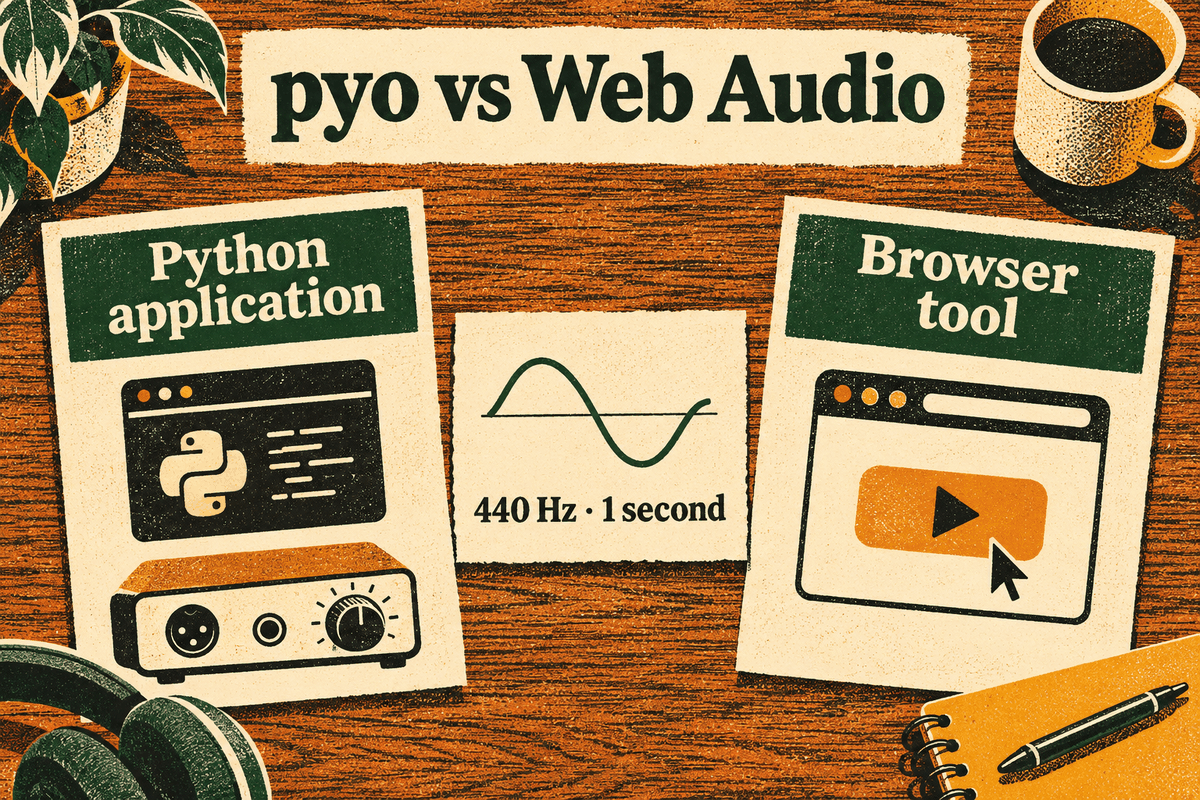
Two ways to build a sound-processing chain, compared through a one-second tone.
Suppose you want to play a short tone, control its level, and eventually add a filter. You could build it in a Python script with pyo, or in a web page with the Web Audio API. Both support connected audio-processing chains. The useful question is where that chain needs to run and how people will use it. About pyo, Web Audio overview
pyo is one of several Python audio libraries. It is used here because its connected processing objects mirror Web Audio’s graph of connected nodes, which makes a like-for-like comparison possible. It is not the only Python option.
For a locally installed Python application that generates and processes sound, pyo is worth considering. For an interactive tool that readers open through a link, Web Audio is a natural starting point. These recommendations follow from how each one is deployed. Neither is a claim that one produces better sound.
What is pyo?
pyo is a Python library for audio synthesis and digital signal processing. Its documentation describes generators, filters, delays, and other objects that can form processing chains. Its implementation includes a C processing engine controlled from Python. pyo’s project documentation
pyo starts with an audio Server. Here, “server” means the object managing audio processing and device communication. It does not mean you must rent a remote server. A Sine object generates a sine wave, while .out() routes an object’s signal to the server’s audio outputs. pyo introduction
If you mainly want to play or record numerical arrays, sounddevice with NumPy is another approach. sounddevice provides PortAudio bindings and convenience functions for playing and recording NumPy arrays. That addresses audio input and output, rather than supplying the same collection of synthesis and effect objects as pyo. sounddevice documentation
What is the Web Audio API?
The Web Audio API is a browser interface for generating and processing audio. Its central idea is an audio graph: a collection of connected processing units called nodes. An AudioContext manages the graph. W3C Web Audio API 1.0 Recommendation (2021)
A simple graph looks like this:
Oscillator → Gain → Audio output
The oscillator generates a repeating waveform. The gain node multiplies its samples to adjust their amplitude. The output sends the result toward the system’s speakers or headphones. More complex graphs can include filters, delays, analysers, and other processors. Web Audio concepts
This is more than a file player. You can create a signal mathematically, change its parameters, and connect it to other processing stages without first exporting an audio file.
What are the differences, advantages, and limitations?
| Practical question | Python with pyo | Web Audio API |
|---|---|---|
| How does someone run it? | Through a Python environment with pyo installed. Installation adds a dependency and compatibility checks. | Through a supporting browser. A basic oscillator example needs no additional JavaScript audio library. |
| How do you build the signal chain? | Pass audio objects into other objects or use them as signal-valued parameters. | Connect nodes such as an oscillator and gain node. |
| How does playback start? | The application starts the audio server and processing objects. There is no browser autoplay policy, although operating-system restrictions still apply. | Design around a user action, such as pressing Play, to accommodate browser autoplay policies. |
| How much device control is exposed? | pyo exposes device selection, channel configuration, sample rate, and buffer settings through its server. These still depend on the backend and hardware. | Output-device selection depends on browser support and permissions. |
| Can it render without playing sound? | Yes. The server’s offline mode renders output into a sound file. | Yes. OfflineAudioContext renders a graph into an audio buffer. |
| What is the main tradeoff? | Direct integration with Python code, with local installation and audio-backend setup to manage. | Convenient web delivery, with browser compatibility and permission constraints. |
Sources for the table: pyo installation, pyo chaining examples, pyo server settings, Web Audio nodes, browser playback guidance, browser output-device selection, OfflineAudioContext.
Offline processing is available on both sides, so “Web Audio for real time, Python for offline work” is not a useful way to divide the choice. The more useful distinction is the environment around the processing.
Can both generate the same simple tone?
We can ask both implementations to produce the same specified signal, without assuming their output samples will be identical:
- A 440 Hz sine wave.
- A one-second envelope, including a 10-millisecond fade at each end.
- A peak amplitude target of approximately 0.03162 before downstream volume controls.
- Matching signals in the left and right channels of a stereo output.
The amplitude comes from 10 ** (-30 / 20). Using a peak full-scale reference of 1, the level is 20 × log10(0.03162), approximately −30 dBFS peak. This is a digital signal level, not a measured sound-pressure level at your ear.
Keep device volume low before either example. Do not raise it to force an inaudible tone. These examples demonstrate signal generation, not a hearing test or equipment calibration.
How do you generate the tone with pyo?
pyo currently supports Python 3.11 to 3.14. Install it in a compatible environment with python -m pip install pyo, and check the project’s installation instructions for your operating system. Then run this script locally with a working stereo audio output. pyo installation
from pyo import Server, Sine, Fader
import time

server = Server(sr=48000, nchnls=2, duplex=0).boot()
if not server.getIsBooted():
    raise SystemExit("Audio server did not start. Check the output device.")

peak = 10 ** (-30 / 20)
env = Fader(fadein=0.01, fadeout=0.01, dur=1, mul=peak)
tone = Sine(freq=[440, 440], mul=env).out()  # Two streams: left and right.

server.start()
env.play()
try:
    time.sleep(1.2)  # Keep Python alive while the envelope runs.
finally:
    server.stop()
    server.shutdown()
Fader generates the envelope. Passing it as mul makes it control the sine waves’ amplitude. The two frequency values create two streams, routed to the two output channels. duplex=0 requests output-only operation, and getIsBooted() stops the script with a clear message if the audio device could not be opened. Fader reference, Sine reference, server configuration
The one-second duration belongs to Fader, not to time.sleep(). The sleep simply keeps the script alive long enough for processing. Treating a general-purpose sleep as a precise audio scheduler would confuse program lifetime with signal timing.
This script requests a 48,000 Hz processing rate. That request is not proof of the audio device’s physical configuration. If the server cannot open your setup, check the output device and host API rather than changing the signal formula. pyo’s Windows audio-configuration guide, PortAudio’s platform limitations
How do you generate the tone with Web Audio?
Save this as an HTML file and open it in a supporting browser. Playback starts when you press the button, following the browser’s user-activation model. Web Audio playback guidance
<!doctype html>
<meta charset="utf-8">
<title>One-second tone</title>
<button id="play">Play a one-second tone</button>
<p id="message" role="status"></p>
<script>
const button = document.querySelector("#play");
const message = document.querySelector("#message");
button.onclick = async () => {
  button.disabled = true;
  message.textContent = "";
  try {
    const ctx = new AudioContext();
    await ctx.resume();
    const osc = ctx.createOscillator();
    const gain = ctx.createGain();
    gain.gain.value = 0; // Silent until the scheduled envelope starts.
    osc.type = "sine";
    osc.frequency.value = 440;
    // Mono source; the browser copies it to both output channels.
    osc.connect(gain).connect(ctx.destination);

    const start = ctx.currentTime + 0.05;
    const peak = 10 ** (-30 / 20);
    gain.gain.setValueAtTime(0, start);
    gain.gain.linearRampToValueAtTime(peak, start + 0.01);
    gain.gain.setValueAtTime(peak, start + 0.99);
    gain.gain.linearRampToValueAtTime(0, start + 1);
    osc.onended = async () => {
      await ctx.close();
      button.disabled = false;
    };
    osc.start(start);
    osc.stop(start + 1);
  } catch (error) {
    message.textContent = "This browser could not start audio.";
    button.disabled = false;
  }
};
</script>
The four scheduled gain calls (setValueAtTime and linearRampToValueAtTime) describe an envelope, the signal’s amplitude over time. They raise it from zero, hold it steady, and return it to zero. The browser schedules these changes on the audio context’s timeline. AudioParam linear ramps, Web Audio scheduling
The oscillator produces one channel. When it reaches a stereo output, Web Audio up-mixes it by copying the same signal to the left and right channels, which gives the matching channels in the specification. Web Audio up-mixing and down-mixing
The extra 0.05 schedules the start slightly ahead of the current audio time. The tone itself still lasts one second. The code leaves sample-rate selection to the browser; inspect ctx.sampleRate if that value matters to your experiment. If the browser cannot start audio, the button is re-enabled and a short message appears. AudioContext configuration
Do the two examples produce the same signal?
We checked both examples by rendering them without a playback device and measuring the result. The pyo example (pyo 1.1.0, offline server mode at 48,000 Hz) and the Web Audio example (the same graph and envelope in Chromium’s OfflineAudioContext at 48,000 Hz) each produced:
- a peak of −30.0 dBFS,
- identical left and right channels,
- 1.0 second of sound between the fades.
This is a synthetic check of the generated samples on one machine. It confirms that both examples implement the specification above. It does not measure latency, device output, or how the tone sounds through speakers or headphones.
What do the two examples show about choosing?
The signal is the same, so the difference lies in everything around it. The pyo script owns its audio lifecycle: it boots a server, opens a device, and shuts both down. That suits a program that runs on a machine you or your users control. The Web Audio page waits for a click, lets the browser schedule playback and choose the output, and needs nothing installed. That suits a tool people open from a link. Each example’s extra code points to the environment it belongs in.
Does either approach guarantee lower latency?
No latency winner is established by this comparison. A one-second tone and a successful code example do not measure how quickly a system responds to a button press or microphone input.
For pyo, consider an illustrative calculation, not a benchmark. At 48,000 samples per second, a 256-frame processing block spans:
256 ÷ 48,000 = 0.00533 seconds, or approximately 5.33 milliseconds.
That is the duration represented by one block. It leaves out other buffering and delays in the application, operating system, device, and connection. Reducing block size also leaves less time to complete each block’s processing. pyo buffer settings, PortAudio buffering and latency guidance
Web Audio offers a latencyHint, but a browser may ignore the requested value. Its baseLatency describes a specific part of the processing path, not a complete microphone-to-speaker measurement. AudioContext latency configuration, baseLatency definition
If latency determines your choice, compare the intended implementations on the same machine, interface, connection, and signal path. Record the versions, requested settings, observed settings, and measurement method. An offline rendering speed comparison would answer a different question.
Which should you choose?
Start by writing down the interaction you need: who opens the tool, where processing runs, which devices matter, and what must happen at a particular time. Those requirements provide a more useful decision than choosing a language first.
Choose pyo when the audio engine belongs inside a Python application. Its generators and processors are useful when you want a running synthesis or effects chain controlled by Python code. Account for package installation, device selection, and backend configuration when deciding whether it fits your users. Prototype the pyo chain on the target audio backend. If the task is simply to calculate an array and play or record it, consider sounddevice with NumPy before adopting a larger synthesis system.
Choose Web Audio when opening a link is part of the product. An interactive lesson, browser instrument, or simple diagnostic tool can put its controls beside its explanation. For example, the WaveLocus tone generator, built on Web Audio, puts frequency, duration, level, and channel controls beside its instructions; try 440 Hz, Sine, 1 second, −30 dBFS, and Both, with the volume low. Disclosure: WaveLocus is my website. Browser support, playback activation, and device permissions should be part of the design. Prototype the signal chain and test it in the browsers your readers use. Web Audio can also go beyond built-in nodes: AudioWorklet supports custom processing on the Web Audio rendering thread, so “browsers can only use preset effects” is an inaccurate reason to reject it. AudioWorklet documentation
You can also use both, connected by audio files. pyo’s offline mode can render a signal chain to a sound file, and a web page can load and decode that file with Web Audio for playback or further processing. That splits the work between a Python step that prepares audio and a browser step that delivers it. pyo recording options, decoding audio files in Web Audio
If the project needs a latency or sound-quality claim, design a separate measurement that can support it. Choose the amount of machinery your actual task needs.



About the author
Sahil Karawade
Sahil Karawade is the developer and editor of WaveLocus and an Audio Machine Learning research member at Munich Music Labs, collaborating on industry research projects. His research includes audio watermarking and neural codec resynthesis. He has a degree in mathematics.